Web & Mobile App Development
Web App vs Mobile App: Which Does Your Business Need?
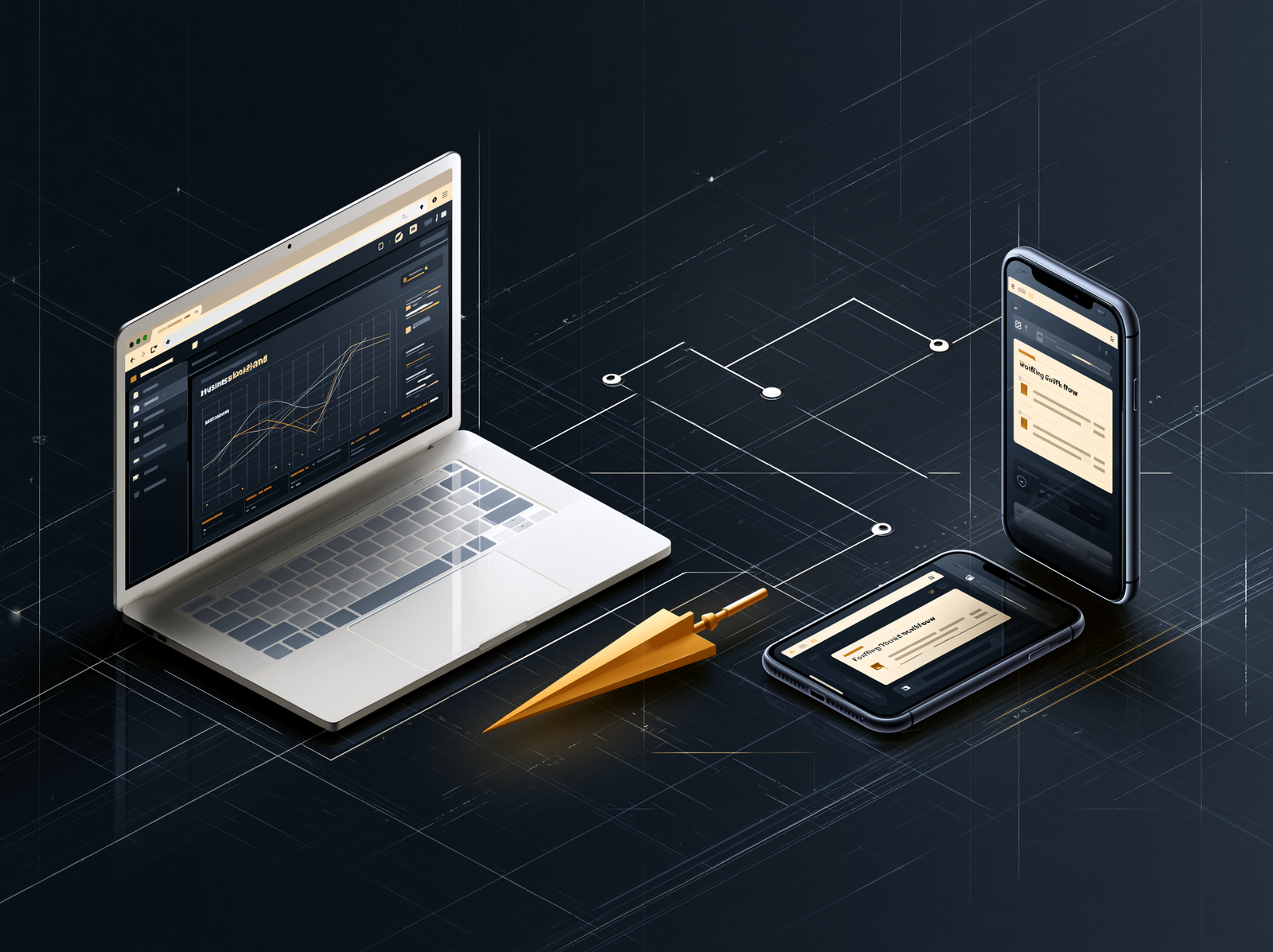
The app idea usually begins with a phone. Someone says, “We need an app,” and the next conversation jumps straight to iPhone, Android and the App Store.
But the real choice is not where the icon lives. It is what the tool needs to do, where people will use it and which device features matter.
In a web app vs mobile app decision, most internal business tools should start as web apps. A mobile app becomes the better choice when the work depends heavily on the phone itself – its camera, location, notifications, offline storage or frequent on-the-go use.
“Do not start with the app store. Start with the job the app has to do.”
What is the difference between a web app and a mobile app?
A web app runs through a browser and is usually reached with a link. A mobile app is installed on a phone or tablet and built for a mobile operating system. Both can have logins, dashboards, forms, payments, notifications and databases. The difference is how users access them and how deeply they connect to the device.
A web app is not simply a website squeezed onto a smaller screen. It can be a complete working system: a customer portal, quoting tool, staff dashboard, inventory tracker or approval workflow. Users open it in Chrome, Safari or another browser, and the same application can work across laptops, tablets and phones.
A mobile app is downloaded and installed. It can feel more at home on the device and usually has broader access to features such as the camera, GPS, background activity, local storage and system notifications. MDN’s platform comparison describes these as the main strengths of platform-specific apps, while noting that web apps can reach different devices from one codebase.
| Decision point | Web app | Mobile app |
|---|---|---|
| How people access it | Open a link in a browser | Download and install it |
| Devices | Laptop, tablet and phone from one application | Designed mainly for phones and tablets |
| Device features | Good access, with some browser and platform limits | Deeper access to camera, GPS, Bluetooth and background tasks |
| Offline use | Possible when designed as a progressive web app | Stronger fit for complex offline work |
| Updates | Changes appear when users open the app | Updates move through app release channels |
| Best fit | Portals, dashboards, admin tools and shared workflows | Frequent mobile use with device-dependent features |
When is a web app the better business choice?
A web app is usually the better starting point when people need the tool on several kinds of devices, the workflow depends on forms and shared data, and quick access matters more than an App Store presence. It gives customers or staff one link and keeps the first build focused.
Suppose your office team prepares work orders on laptops, managers approve them on tablets and field staff update job status from their phones. A web app can give all three groups the same system without asking everyone to install and maintain separate software.
- The tool must work on desktop, tablet and phone.
- Users may open it occasionally and will resist installing another app.
- The main work involves forms, records, dashboards, schedules or approvals.
- You need to launch a focused first version and improve it from real use.
- Sharing a secure link is more useful than appearing in an app store.
This is why many customer portals and internal tools begin on the web. They solve the workflow first. If the product later needs a stronger mobile presence, the underlying data, user roles and business rules are already understood.
When does your business need a mobile app?
A mobile app earns its place when users return to it frequently, perform the work mainly on a phone, or need reliable access to device features. The stronger the need for offline work, background activity, location, Bluetooth, camera capture or persistent notifications, the stronger the case for mobile.
Consider a Winnipeg field-service team working in basements, mechanical rooms or rural job sites where reception may disappear. If technicians must photograph equipment, scan codes, collect signatures and keep working offline, a mobile app can provide a more dependable experience than a browser-first tool.
Customer behaviour matters too. A mobile app may make sense when the product is used daily and the home-screen icon genuinely improves access. It is harder to justify when a customer might use the tool twice a year to check a document or submit a request. Nobody is waiting for another app to download for a five-minute task.
Mobile distribution also creates an operating commitment. Apple explains that App Store submissions are reviewed against requirements covering safety, performance, business, design and legal issues in its App Review Guidelines. Google Play likewise maintains release, quality and policy requirements. Publishing is not the finish line; the app must stay compatible, secure and supported.
Could a progressive web app give you both?
A progressive web app, or PWA, is a web app that can behave more like an installed application. Depending on the device and browser, it can appear on the home screen, open without browser controls, support offline tasks and send notifications. It can be a useful middle ground, but it is not a universal substitute for native mobile development.
The web has moved well beyond basic browser pages. MDN documents that PWAs can be installable, work offline and respond to push messages when the platform supports those features. Apple added Web Push for home-screen web apps on iPhone and iPad beginning with iOS and iPadOS 16.4, as described by WebKit.
The important phrase is when the platform supports it. Browser capabilities still vary. If one missing feature would break the core workflow, confirm support before choosing a PWA. If the advanced features are helpful but not essential, a PWA can deliver a surprisingly app-like result without forcing the whole project into an app store.
Which option costs less to build and maintain?
A web app usually costs less for the same first set of business features because one application can serve several device types and updates are published centrally. A mobile app can require more device testing, store preparation, release management and platform-specific work. Scope still matters more than the label.
A small mobile tool with one clear task can cost less than a sprawling web platform with twenty user roles and six integrations. The expensive phrase is rarely “mobile app.” It is “while we are at it.”
The useful cost comparison includes more than development:
A short discovery phase often saves more than it costs. NorthStack’s technology strategy work can map the workflow before a build, while our web and mobile app development service turns the chosen path into a focused first release. If the tool depends on shared cloud data, permissions or remote access, the cloud foundation belongs in the plan as well.
How do you make the final decision?
Choose a web app when reach, shared access and a faster path to the first useful version matter most. Choose a mobile app when the phone is not merely another screen but part of the work itself. Choose a PWA when you need web reach plus a measured set of installed-app features.
Before approving a build, ask five questions:
- Who will use it, and how often?
- Where will they be when they use it?
- Which phone features are essential to completing the task?
- What happens when the internet connection disappears?
- What is the smallest version that would create a measurable improvement?
If those answers point clearly toward a mobile app, build one with purpose. If they do not, the browser may be the shortest route to the result your business actually needs.
The bottom line
Your business does not need a mobile app simply because employees or customers own phones. It needs a tool that fits the work.
For many dashboards, portals, quoting systems and internal workflows, a web app is the practical first move. For work built around cameras, location, offline use, background activity or constant mobile access, a mobile app can justify the added commitment.
Pick the workflow before the platform. The right answer gets much easier once the app has a clear job.
We map the users, workflow and device needs, then recommend the smallest useful build.